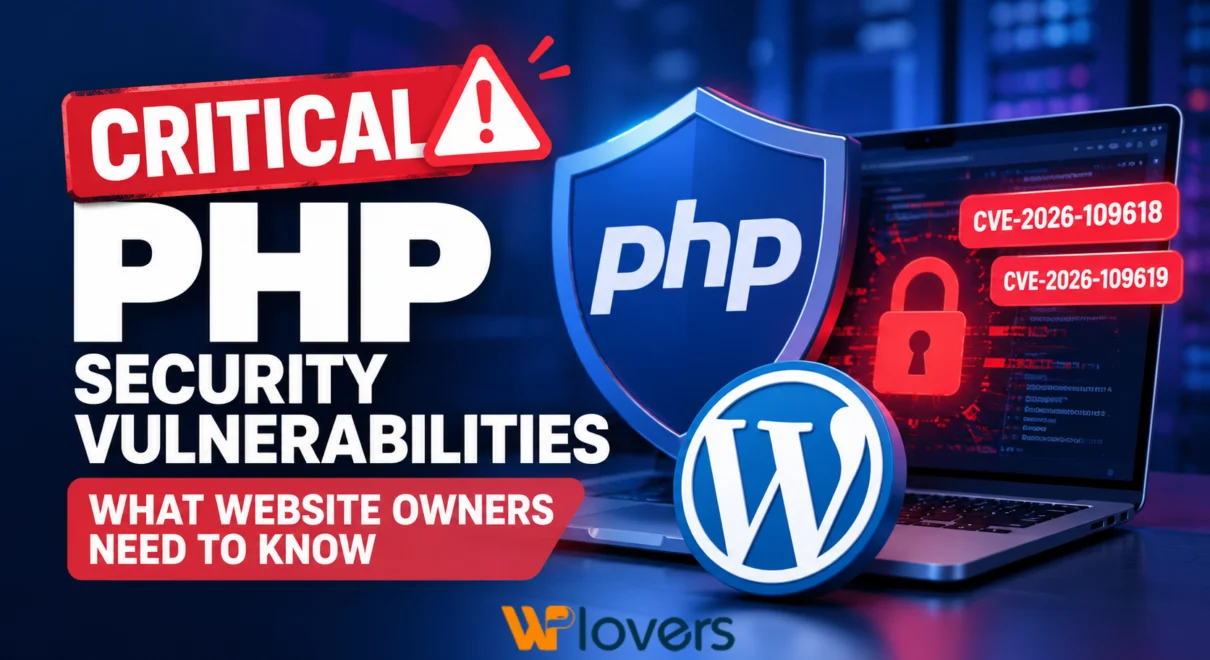
Two newly disclosed PHP Security Vulnerabilities highlight the importance of keeping web servers, applications, and their dependencies secure and up to date.
The UK’s National Cyber Security Centre (NCSC) has issued a security warning concerning two vulnerabilities identified as CVE-2026-109618 and CVE-2026-109619.
These security flaws could potentially expose PHP-powered websites and applications to serious attacks, including remote code execution under specific conditions.
As PHP powers millions of websites, including WordPress, WooCommerce, and custom web applications, website administrators and development teams should review their environments and apply the appropriate security updates without unnecessary delay.
Understanding the PHP Security Vulnerabilities
PHP is one of the most widely used programming languages for server-side web development. It handles everything from processing form submissions and communicating with databases to generating dynamic website content.
The recently reported vulnerabilities involve problems with PHP’s internal memory management.
Under certain circumstances, these weaknesses could cause memory corruption and potentially allow an unauthenticated attacker to execute malicious code on an affected server.
The two vulnerabilities are:
CVE-2026-109618 – Improper Handling of Out-of-Memory Conditions
This vulnerability involves an issue that can occur when PHP runs out of available memory while processing a request. An interruption during the initialization of internal data may cause PHP to handle improperly initialized information during cleanup, potentially leading to memory corruption.
CVE-2026-109619 – Unsafe Reuse of Released Memory
This vulnerability relates to internal PHP data remaining accessible after its allocated memory has been released. If a subsequent request accesses this outdated information, it may trigger unsafe memory operations.
Both issues demonstrate how vulnerabilities within a programming language’s runtime can introduce security risks even when the website’s application code has not changed.
Which Websites and Applications Could Be Affected?
Organisations operating PHP-based systems should assess their exposure, particularly where applications are publicly accessible.
This includes:
- WordPress websites and WooCommerce stores
- Laravel and other PHP-based applications
- Custom PHP websites and APIs
- Content management systems built with PHP
- Third-party platforms and services that include PHP components
Important: Running the latest WordPress version or keeping plugins updated does not automatically mean the underlying PHP environment is protected.
PHP security updates must also be managed at the server or hosting level.
Recommended Security Actions
1. Review Your Current PHP Version
Start by identifying the PHP versions running across your websites, applications, and servers.
Pay particular attention to production environments and internet-facing services.
2. Apply the Latest Security Updates
Check the official PHP release announcements and upgrade to a supported release containing the relevant security fixes.
Before deploying updates to production, test application compatibility in a staging environment.
3. Review Your Hosting Environment
For managed hosting services, confirm whether your provider has already deployed the necessary PHP security patches.
If you manage your own server, review the installed PHP packages and available operating-system security updates.
4. Consider Temporary Mitigations
If an immediate update is not possible, review the temporary mitigation guidance published by the PHP maintainers.
Temporary protections should not be treated as permanent replacements for security patches.
5. Check for Suspicious Activity
Review server logs, unexpected file changes, unusual processes, and other indicators that could suggest an attempted or successful attack.
Where compromise is suspected, follow a structured incident-response process rather than relying on an update alone.
6. Establish a Regular Security Maintenance Process
Security should be treated as an ongoing responsibility rather than a one-time task.
A practical maintenance process should include:
- Monitoring official security advisories
- Reviewing PHP, WordPress, plugin, and theme updates
- Testing critical updates before production deployment
- Maintaining reliable backups and rollback procedures
- Monitoring website availability and security events
What This Means for WordPress Website Owners
WordPress depends on PHP to execute its backend functionality. Although WordPress core, themes, and plugins have their own update processes, the PHP runtime is managed separately.
Website owners should therefore coordinate with their hosting providers or development teams to confirm that both their application and server environments are receiving appropriate security updates.
A well-maintained WordPress website requires attention to every layer of its technology stack, not just the plugins displayed in the WordPress dashboard.
Final Thoughts
These PHP vulnerabilities serve as an important reminder that website security extends beyond application-level updates.
Regular patch management, server maintenance, compatibility testing, and security monitoring are essential to reducing exposure to emerging threats.
The key takeaway is simple: identify your PHP installations, verify their security status, and apply the necessary fixes as soon as safely possible.