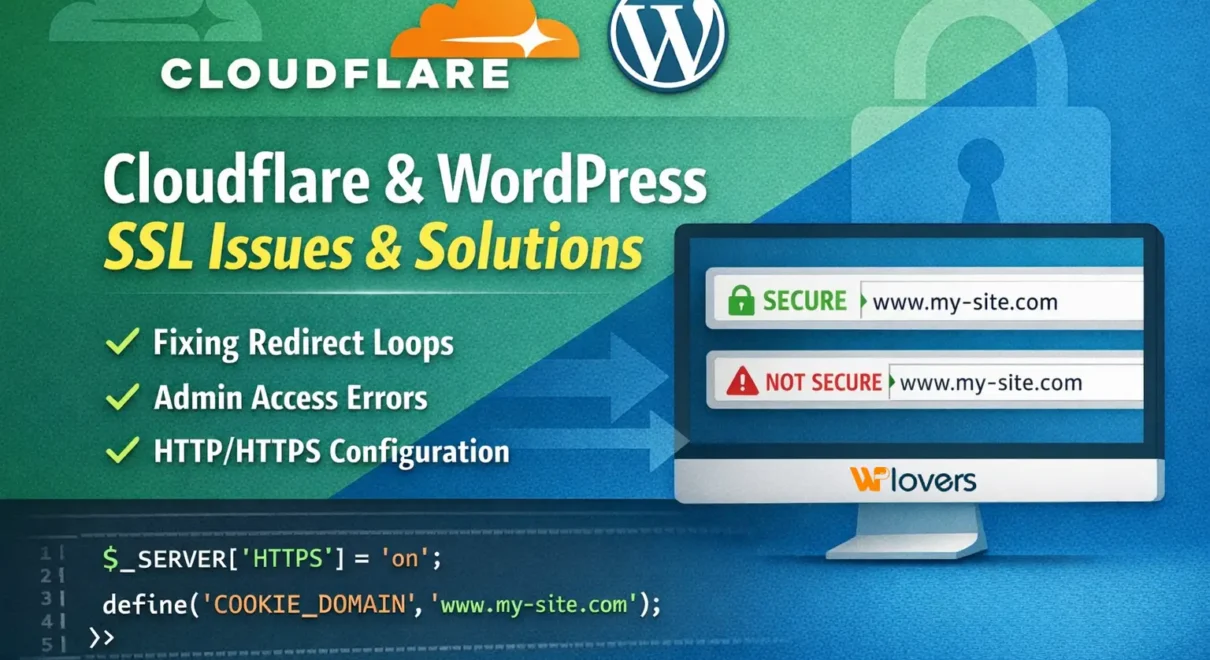
When running WordPress behind Cloudflare, SSL (HTTPS) issues can sometimes appear after enabling HTTPS or changing site URLs. These issues are well-known and common, and they are not caused by security problems or bugs in WordPress.
Common symptoms
Some of the most common issues include:
- “Too many redirects”
- “Sorry, you are not allowed to access this page”
- Admin login or permission issues
- Images or assets loading over HTTP
- Mixed content warnings
These problems typically occur due to a mismatch between how Cloudflare handles HTTPS and how WordPress detects it internally.
Why this happens
Cloudflare terminates SSL at its edge network. This means:
- Visitors access the site over HTTPS
- The server (Apache / WordPress) may still receive requests as HTTP
If WordPress is forced to use HTTPS internally without being told it’s behind Cloudflare, redirect loops and admin issues can occur.
The standard and recommended Cloudflare + WordPress approach
The recommended setup when using Cloudflare with WordPress is:
- Let Cloudflare handle HTTPS
- Keep WordPress Home URL and Site URL set to HTTP
- Explicitly tell WordPress when a request is HTTPS
- Correctly define the cookie domain
This setup is widely used and supported.
What we implemented (Solution)
To resolve the issue, we made the following changes in the wp-config.php file.
1. Tell WordPress it is running behind Cloudflare HTTPS
In wp-config.php, add this near the top, just after <?php
if ( isset( $_SERVER['HTTP_X_FORWARDED_PROTO'] ) && $_SERVER['HTTP_X_FORWARDED_PROTO'] === 'https' ) {
    $_SERVER['HTTPS'] = 'on';
}
This ensures WordPress correctly detects HTTPS requests coming through Cloudflare.
2. Define the cookie domain explicitly
define( 'COOKIE_DOMAIN', 'www.my-dispensary.co.uk' );
This prevents admin login and permission issues caused by cookie mismatches.
3. Keep Home & Site URL set to HTTP
In this configuration, the Home URL and Site URL remain HTTP in the database. Cloudflare still serves the site securely over HTTPS, avoiding redirect loops and admin access errors.
Is this setup secure?
Yes.
Even though WordPress internally uses HTTP, all visitors still access the site securely over HTTPS via Cloudflare. This is a standard, safe, and commonly used configuration.
Final thoughts
If you’re using Cloudflare with WordPress and encounter redirect loops or admin access issues after enabling SSL, this configuration is usually the correct and long-term solution.
If you need help reviewing your setup or experience similar issues, feel free to reach out.